Do you know all input types?
Although it's not a confidential information, it can greatly benefit your end users. Verify it yourself!

Selecting the appropriate input type holds great significance when it comes to ensuring a good User Experience. In this session, I will guide you through the various input types offered by HTML5, with a special focus on the most beneficial ones. However, before we begin, I recommend that you assess your current knowledge by identifying how many input types you can name. Kindly refer to the list provided below and share your results with me. Best of luck, but please refrain from cheating!
Why is it so important?
HTML input types are important because they provide various ways to accept input from users in web forms. By using different input types, web developers can ensure that users provide the appropriate type of data and prevent incorrect data from being submitted. This helps to improve the user experience, as it makes the process of filling out forms more efficient and less error-prone. For example, by using input types such as "number", "email", and "tel", developers can ensure that users enter the correct format of information, such as a valid phone number or email address. Additionally, input types such as "date" and "time" provide a user-friendly way to enter specific types of data. Overall, HTML input types are crucial in creating effective web forms that are easy to use and provide accurate data.
One-liners
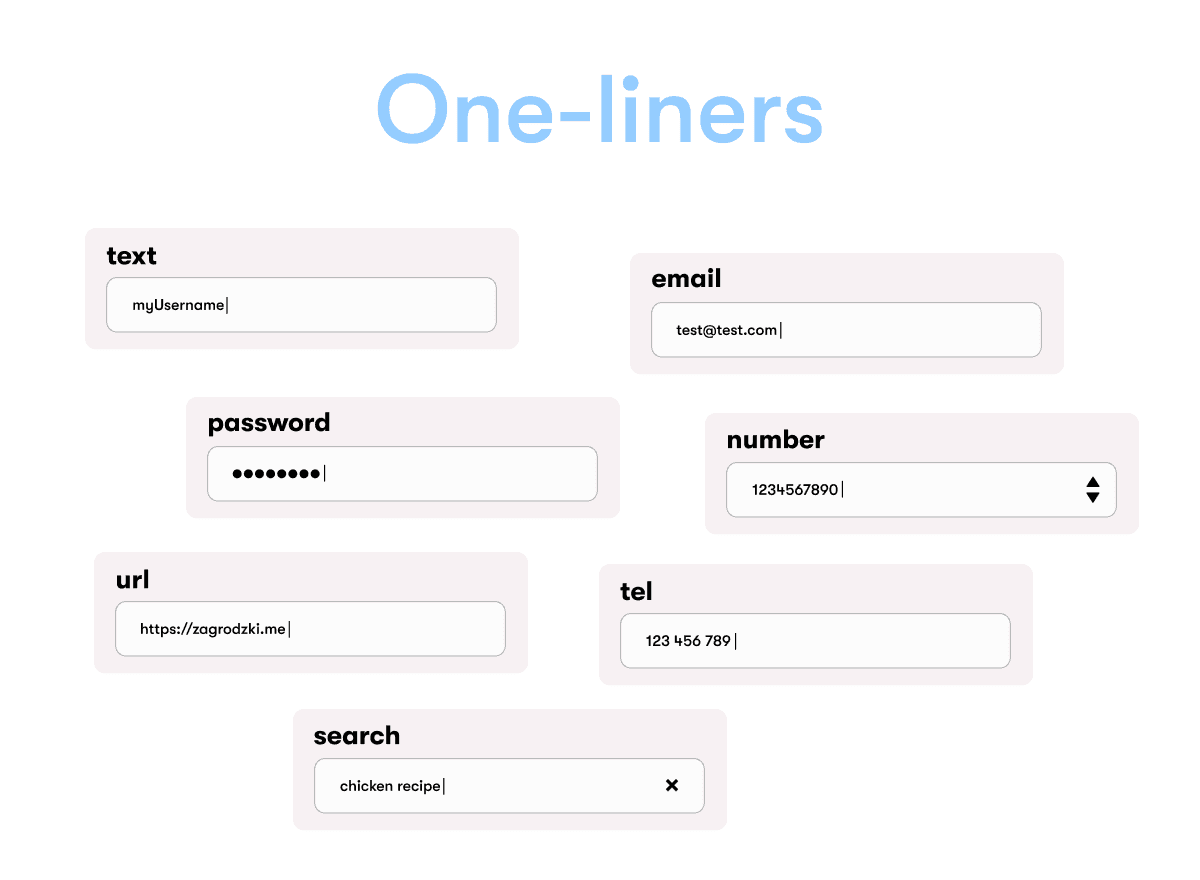
Below are the frequently utilized input types. Who hasn't employed a text or number input type? I refer to them as "one-liners" since they typically occupy a single line without much depth.
text - This is the most elementary illustration, and it requires little explanation. The only issue is that it is frequently overused in situations where another alternative would be more appropriate. Refrain from using it indiscriminately!
number - This input type enables users to input numeric values while also preventing the entry of non-numeric characters through validation. It may also include stepper arrows, which allow users to increase or decrease the value using a mouse or fingertip.
email - Essentially, the text input type with incorporated email validation.
password - Similar to the text input type, this input type allows users to input passwords securely by replacing each character with an asterisk (*) or a dot (•).
url - This input type is comparable to the 'text' input type but includes URL validation. It's worth noting that on browsers that do not support 'url' input type, it defaults to a standard 'text' input.
search - Intended for inputting search queries.
tel - This input type is employed to input telephone numbers. Unlike 'url' and 'email', it does not include built-in validation since phone formats vary significantly worldwide.
Handling Forms
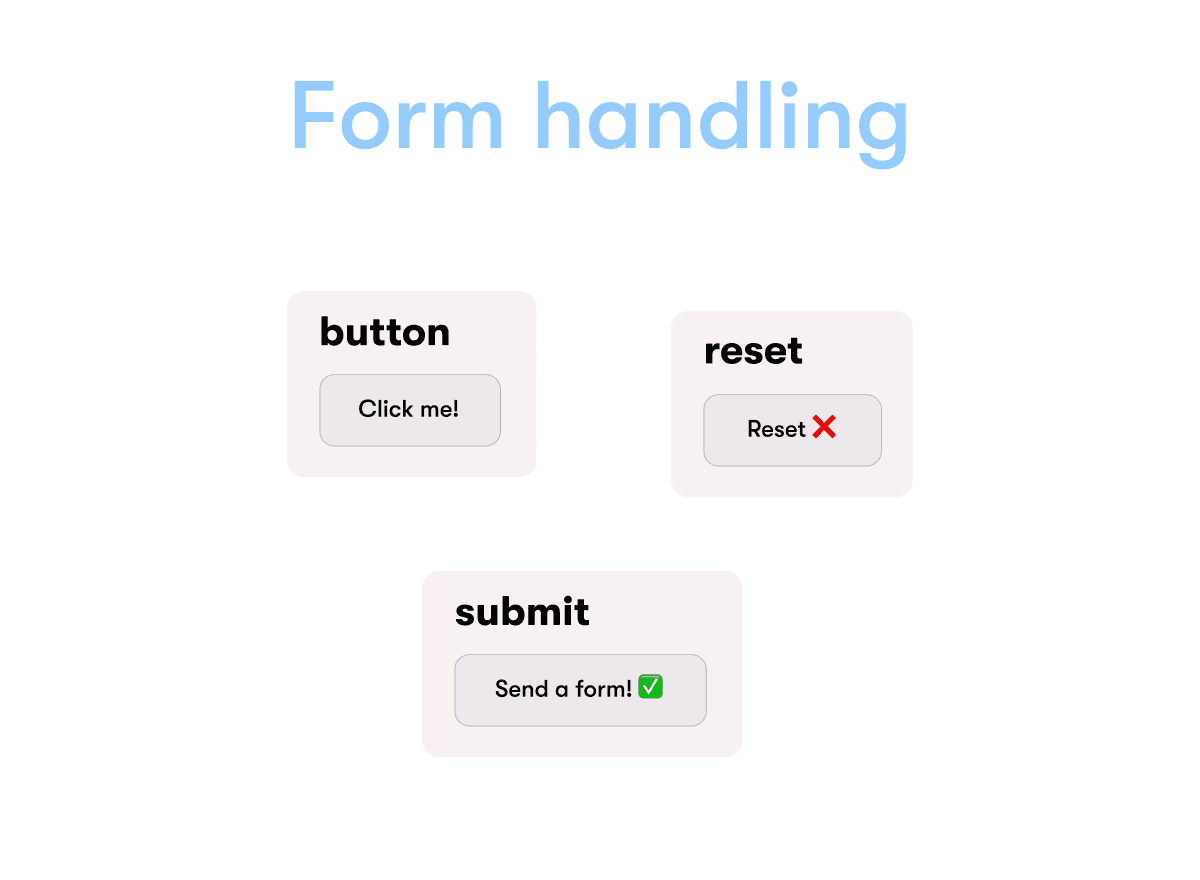
This category comprises input fields that are frequently employed in handling forms. Despite resembling buttons in appearance, they are indeed input fields.
Button - functions as a typical button, with the exception that the value inside must be a string. It's preferable to use the 'button' element to create buttons since you can insert any valid HTML code within.
Submit - essentially identical to the button, but when clicked, it sends the form. Keep in mind that if you only utilize 'button' in the form, and you have only one button in the form, it will automatically be treated as a submit button.
Reset - employed to restore the form to its original state.
Input Types for Dates
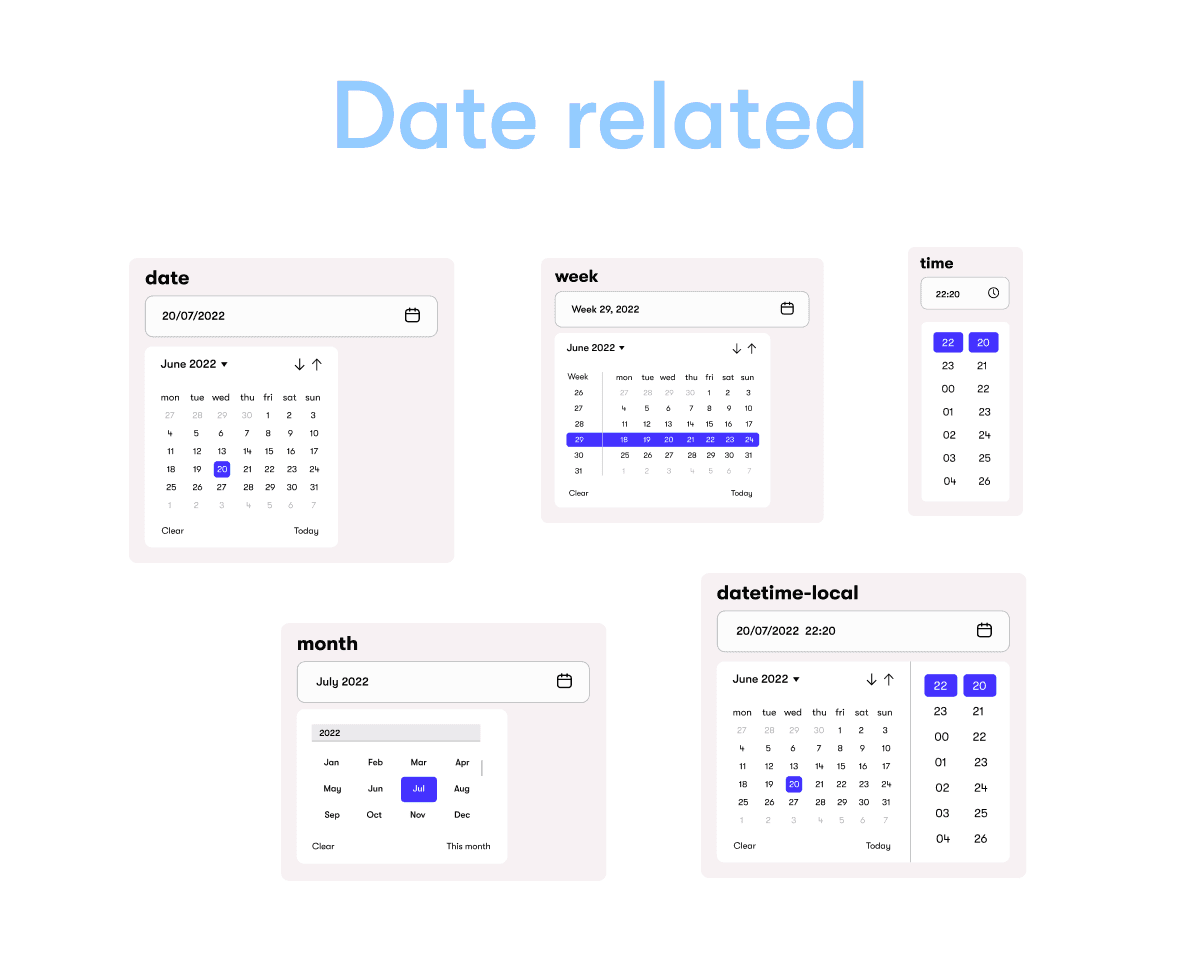
There are five different input types designed to provide date information. Let's take a closer look at each of them!
Date - The date input is the most commonly used to enter date information from the user. It provides an easy-to-use interface for selecting dates and normalizes the format of the data transmitted to the server, regardless of the user's locale.
Time - The time input enables users to enter the time (hours, minutes, and optionally seconds).
Datetime-local - This input type is similar to date, but allows users to enter both a date and time in one input.
Week - This input type allows for the simple entry of the week number with the year. While it may not be useful in most cases, it's good to know it exists so that you don't use the text input type instead.
Month - Use month input type if you want to receive a specific month name from your user. This input type also provides the year.
Special
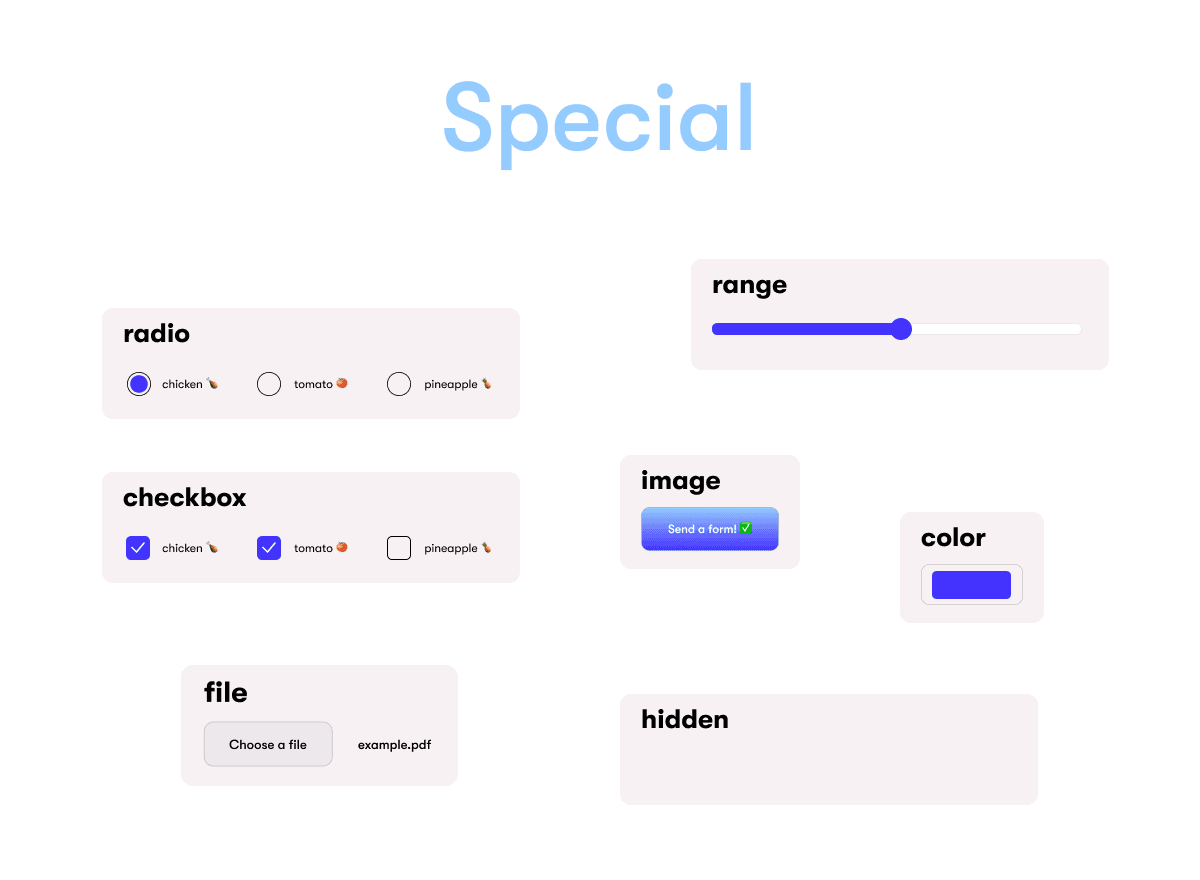
This category is named "Special", but don't be misled. These input fields are not intended for rare or unusual cases. Feel free to use them when appropriate. Here is a list to help you make informed decisions:
Checkbox - typically displayed as tick boxes. One important feature is that you can select MULTIPLE options in each group of checkboxes.
Radio - similar to checkbox, but circular and you can select only ONE option in each group.
Range - allows you to enter numbers in a visually appealing way. However, you should note that such a widget may be imprecise, and if an exact number is required, it's better to use number.
Image - used to create graphical submit buttons. Perhaps this should be placed in the "Form handling" section?
Color - provides a user interface to select a color, either by choosing it from a color picker or by entering a hex value.
File - useful if your form requires file uploading.
Hidden - the most mysterious one What's the mystery? Quite simply, it allows developers to include data in the form that cannot be changed or deleted. These fields are completely invisible on the website, and you can't prevent it.
Validation
Using the appropriate input types is crucial, as they help users to enter data in the correct format. Many of them have built-in validation, such as email and url. Also, don't forget HTML attributes, which can help you to narrow down the range of valid data, such as by limiting the time interval for date selection.
Of course, you can also perform validation using fancier tools, such as JavaScript or specialized libraries. However, keep in mind that your users are primarily concerned with appearance and functionality. Therefore, you should consider all the rules to make their use comfortable. It's not that simple!
Conclusion
In summary, it's essential to know which type of input to use in the right situation when developing modern applications. With this article, you should no longer have any doubts about which input types to use and avoid using text where it's unnecessary. Good luck with your development efforts, and see you next time!


